
THE BRIEFING
60-second read before you dive in:
Every solo founder has a list of things they do manually that they know a machine should be doing.
Copy customer data from a form into a spreadsheet. Send a follow-up email when someone downloads a resource. Post a notification when a new article goes live. Log a transaction when a sale comes in.
None of these tasks require a human decision. They require human time. And human time is the one resource a solo founder cannot scale.
Make.com takes those tasks off your plate permanently. Here is the full breakdown.
What Make.com Actually Does
Make.com is a visual automation platform. You build workflows called scenarios on a canvas, connecting triggers to actions across different apps. When something happens in one app, Make.com automatically does something in another.
The canvas-based interface is what separates Make from simpler automation tools. Instead of linear if-this-then-that logic, Make lets you build branching workflows with multiple paths, filters, conditions, and error handling. Complex multi-step automations that would require code in other environments are built visually in Make.
It connects to over 1,000 apps including every major tool a solo founder uses. Gmail, Slack, Notion, Airtable, WordPress, Google Sheets, Shopify, MailerLite, and hundreds more.
The Main Features
Visual Scenario Builder
The core of Make.com. You drag modules onto a canvas, connect them with lines, and configure each step. The visual representation of your workflow makes it easy to understand what is happening at each stage and debug when something goes wrong.
Each module represents either a trigger, an action, or a transformation. Triggers start the workflow. Actions do something in an app. Transformations manipulate data between steps.
Routers and Filters
This is where Make pulls away from basic automation tools. Routers let you create multiple branches from a single trigger, so the workflow takes different paths depending on conditions you define. Filters let you set rules that stop a scenario from continuing if certain conditions are not met.
For a solo founder building sophisticated workflows, routers and filters are the features that make complex automation possible without writing code.
Data Store
Make includes a built-in database called the Data Store. You can use it to store information between scenario runs, track records, and build workflows that remember previous states. It is a simple but powerful feature that expands what is possible without connecting an external database.
Scheduling
Every scenario can run on a schedule. Every five minutes, every hour, once a day, once a week. Scheduled scenarios handle recurring tasks automatically without any trigger from an external app.
Error Handling
Make has built-in error handling that lets you define what happens when a step fails. Instead of a broken workflow that stops silently, you can configure Make to retry failed steps, skip them, or send you a notification when something goes wrong. For a solo founder running automations without a technical team to monitor them, this matters.
What It Does Well
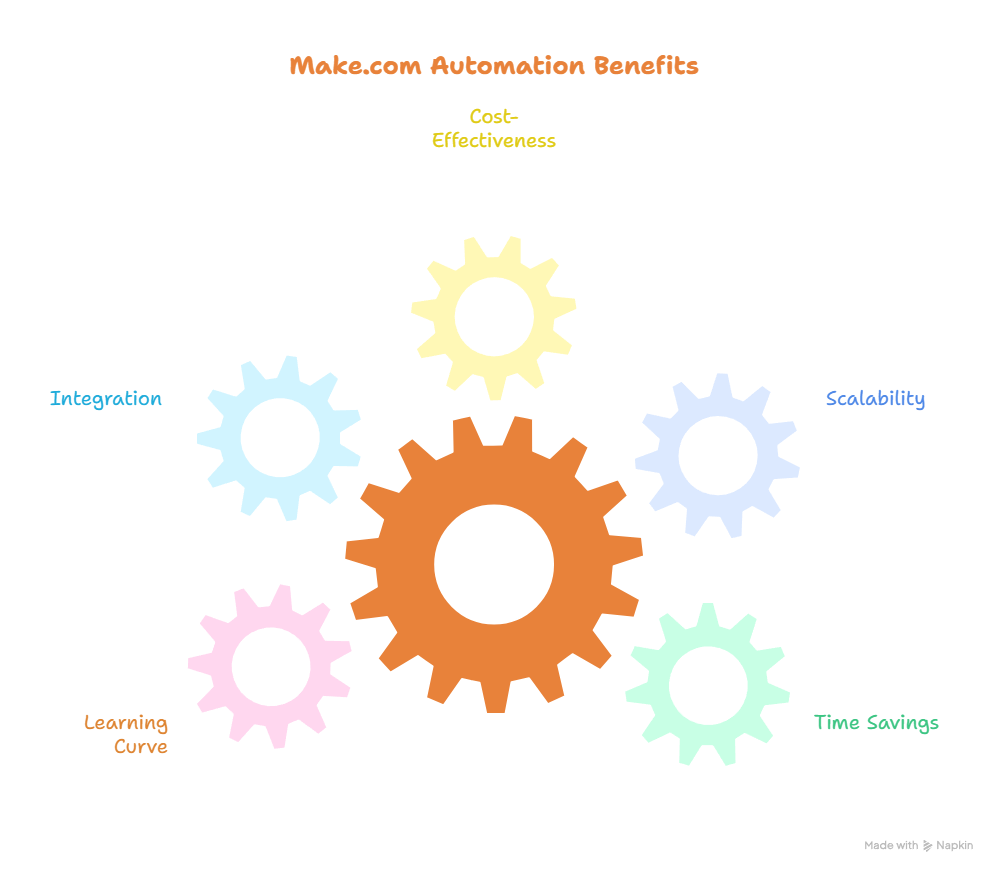
The value per dollar is unmatched. At $9 per month for 10,000 operations, Make.com gives you more automation capacity than most solo founders will use in a month. Zapier charges $49 per month for 2,000 tasks. The math is not close.
The visual canvas makes complex workflows understandable. When you build an automation in Make you can see exactly what is happening at every step. That transparency makes debugging faster and building more intuitive than text-based automation tools.
The router and filter features unlock automation complexity that simply is not available in simpler tools. A solo founder who invests time in learning Make can build workflows that replace genuine team functions, not just simple task shortcuts.
The app library covers everything a typical solo founder needs. The 1,000 plus integrations sounds modest compared to Zapier’s 7,000 but in practice you will rarely encounter a tool you need that Make does not support.
What It Does Not Do Well
The learning curve is the honest answer here. Make.com does not hold your hand. The interface is powerful but it assumes a certain level of comfort with systems thinking. If you have never built an automation before, your first few hours with Make will be frustrating before they become productive.
This is not a reason to avoid it. It is a reason to set realistic expectations. Plan for a few sessions of learning before you build something you actually use. The investment pays off significantly once it clicks.
The app library, while comprehensive, does have gaps. Niche or newer tools may not have native Make integrations yet. In those cases you can often connect via webhook or API but that requires more technical comfort than drag and drop module building.
The interface can feel cluttered on complex scenarios with many modules. A workflow that connects eight or ten apps can become visually dense and harder to navigate. Naming your modules clearly and organizing your canvas helps but it requires intentional workflow hygiene.
Pricing
Make.com’s free tier includes 1,000 operations per month across unlimited scenarios. It is genuinely useful for learning the platform and running a few simple automations.
The Core plan is $9 per month billed monthly or $9 per month billed annually for 10,000 operations. This is the plan most solo founders need and it covers a serious automation workload at a price that is difficult to argue with.
The Pro plan at $16 per month adds higher operation limits and additional features for more complex use cases.
Real Workflows a Solo Founder Can Build With Make.com
To make this concrete, here are actual automations worth building:
New email subscriber triggers a welcome sequence in MailerLite and logs the subscriber to a Google Sheet simultaneously.
New WordPress post published triggers a Slack notification and creates a Pinterest pin draft for review.
New form submission on your site extracts the data, adds it to a CRM, and sends you a summary email with the details.
Product Hunt launches monitored daily, new AI tools extracted, raw data posted to a private WordPress draft for review.
Each of these replaces a manual task you would otherwise do yourself, every time, without fail.
Make.com vs Zapier: The Short Version
If you have read the Make.com vs Zapier comparison on this site you already know the answer. Make wins for solo founders who think in systems and care about cost efficiency. Zapier wins for complete beginners who need something running in ten minutes and never want to think about it again.
For the SoloScaleTools audience, Make.com is the pick. The learning curve is worth the payoff.
Who Should Use Make.com
Use it if you are doing the same manual task more than once a week. Any task you repeat more than fifty times a year is worth automating. Make.com makes that possible without a developer.
Use it if you are already using multiple apps that need to talk to each other. The more tools in your stack, the more valuable Make.com becomes as the connective tissue between them.
Use it if you are willing to invest a few hours learning the platform before expecting results. The users who get the most out of Make are the ones who treat the learning phase as an investment rather than a barrier.
Who Should Look Elsewhere
Look elsewhere if you need one simple automation running today and have zero tolerance for a learning curve. Zapier’s free tier handles basic single-step automations in minutes.
Look elsewhere if your primary tools are niche or obscure and may not have Make integrations. Check the app library before committing.
The Honest Verdict
Make.com is the highest leverage tool in the Solo Scale Stack. Not because automation is glamorous but because the time it returns to you compounds permanently. Every task you automate is a task you never do manually again.
The learning curve is the only real barrier and it is temporary. Most solo founders who commit to learning Make properly spend a few frustrating hours before something clicks and they wonder how they managed without it.
At $9 per month it is also the easiest financial decision in the stack. The first automation that saves you an hour of manual work per month has already paid for itself.
Build this one. It changes how your operation feels.
Want to see Make.com compared head to head with Zapier? Read the full comparison. Or browse all Automation AI tool reviews on SoloScaleTools.